Guide
Auto-continue Codex CLI after a usage limit
Published
Codex hit its usage limit halfway through a refactor. The reset’s four hours away and you’d rather be asleep than babysitting it.
Codex CLI won’t pick it back up on its own. Agent Auto-Continue will. It’s a free macOS menu-bar app that sends “Continue” into your Codex thread as soon as the limit resets.
What Codex already does
- Plus and Business get a five-hour allowance (Pro currently has no five-hour limit), and weekly limits may apply too (OpenAI’s pricing page).
- Hit the limit mid-turn and Codex lets that turn finish, within fair use (same page).
- After that it waits for you. There’s no auto-resume setting, and the feature request to sleep until the known reset time, then carry on, is still open.
What the app adds
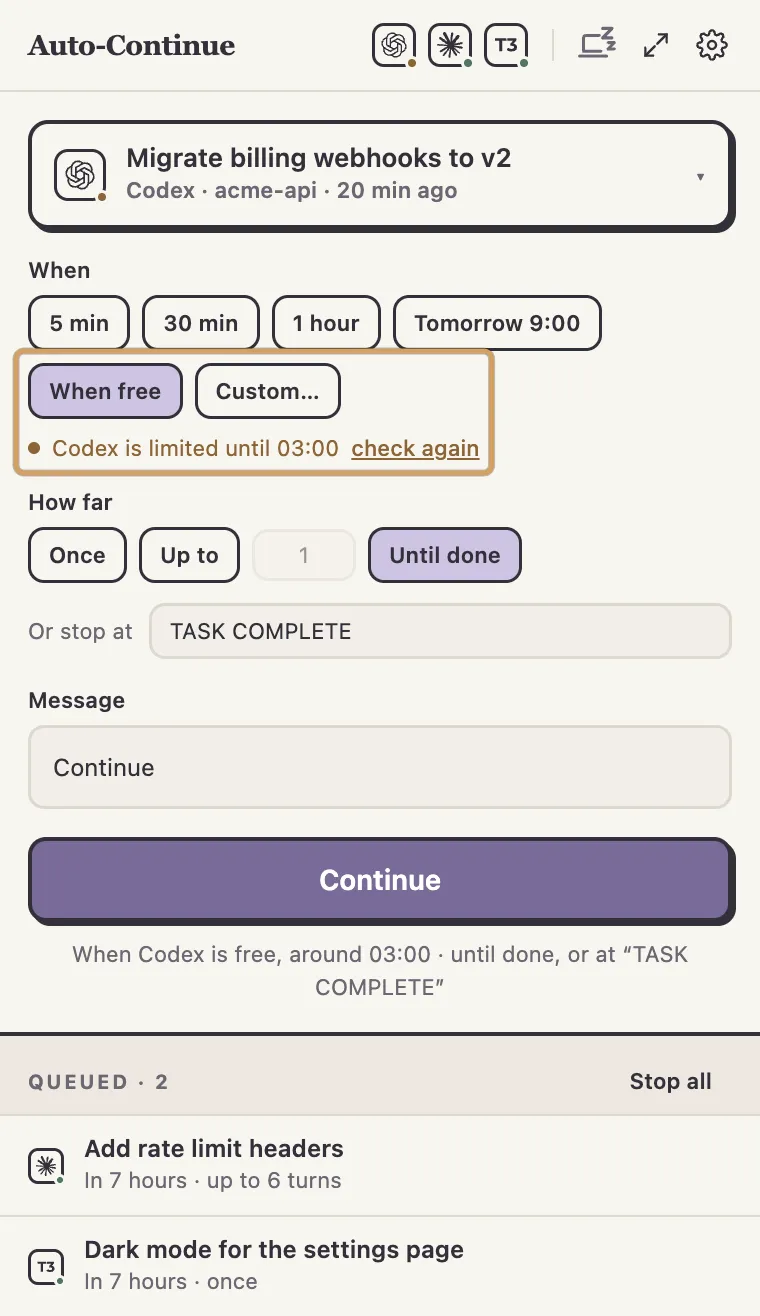
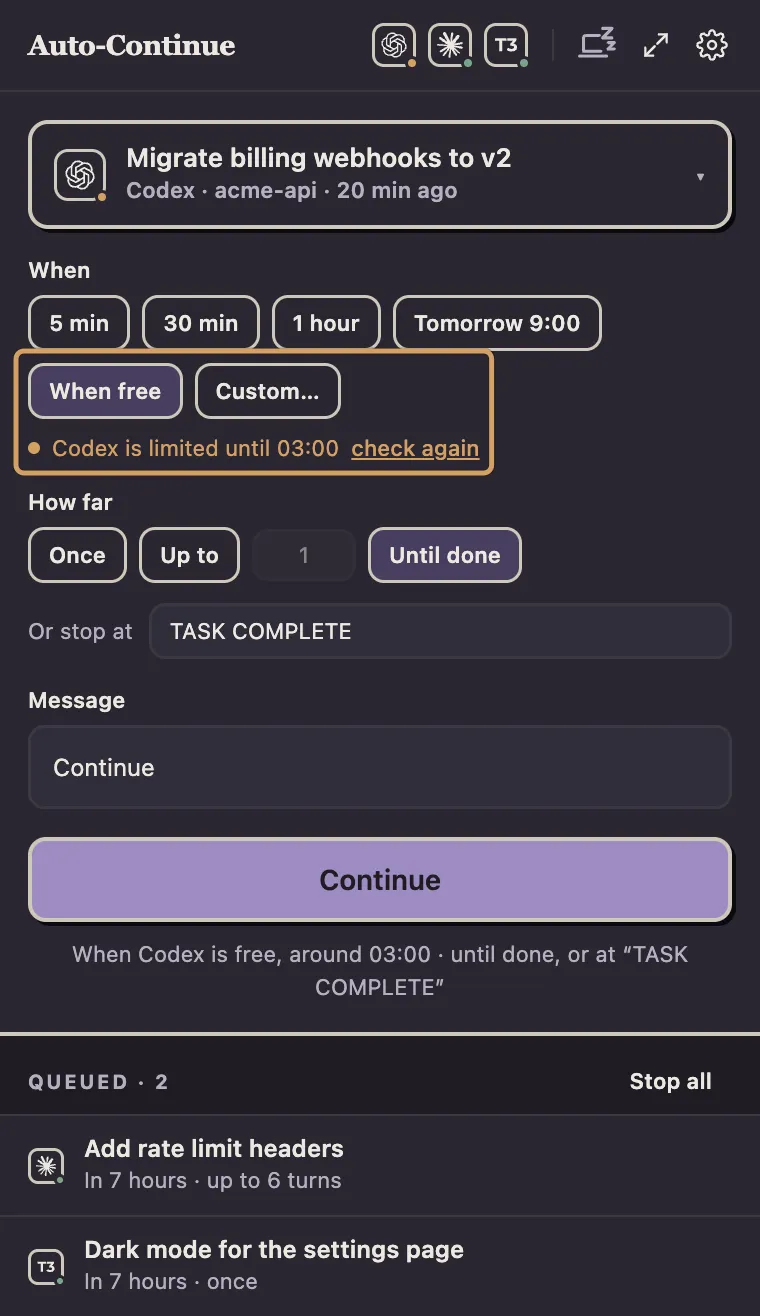
- When free. Codex reports its rate limits with reset times, so the app starts as soon as the limit lifts. Or pick a time and have it wait for the limit too. Nothing goes out while the limit holds.
- More than one turn. Up to a set number, or until you stop it.
Turns that end at a usage limit don’t count.
Add a stop phrase like
TASK COMPLETEand it finishes when Codex’s last message contains it (whole words, any case, completed turns only). - Proven delivery. Each message carries an ID the app then looks for in the thread. If it can’t tell, it marks the message unconfirmed and never resends.
- Manners. It re-checks the thread first and won’t send if it’s gone, archived or you’ve replied since. A one-off message waits up to six hours for a busy Codex.
It speaks Codex’s own app-server protocol, through the shared codex app-server daemon if one’s running, a private one if not.
No fake keystrokes, no remote service, no changes to Codex (verified with codex-cli 0.159).
Set it up
- Install the Codex CLI and sign in.
If the app can’t find
codex, set its path in Settings > Agents. - Download the disk image (button at the bottom), drag the app into Applications and open it. macOS asks once whether to open an app from the internet; choose Open.
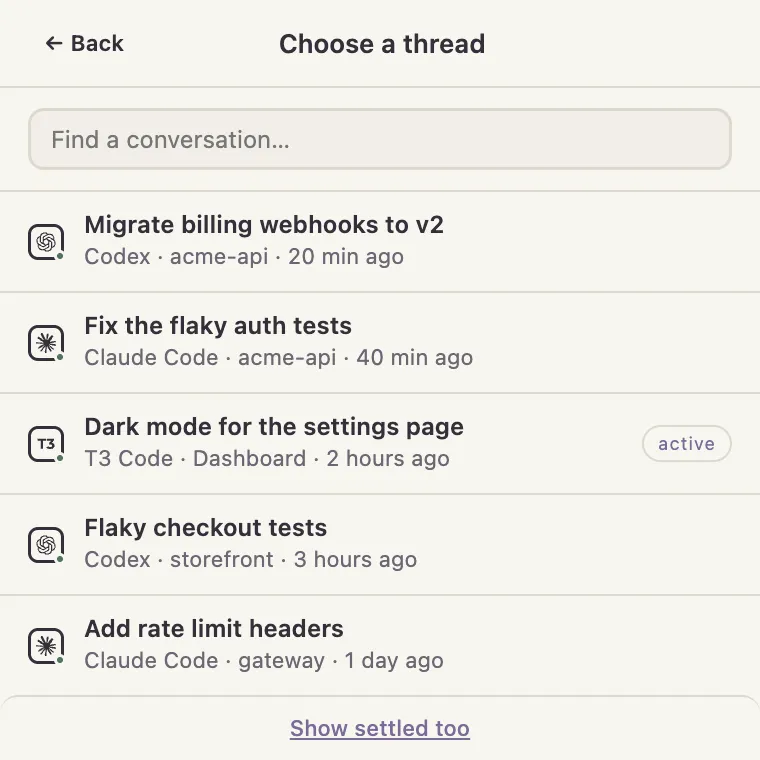
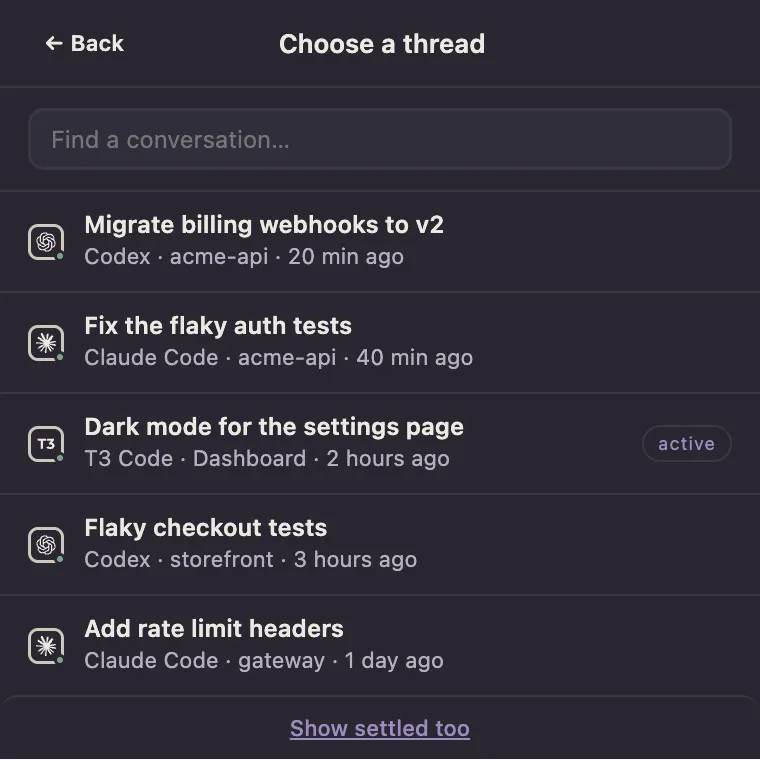
- Click the menu-bar icon and pick your Codex thread.
- Choose when: When free, or a time with the “wait for it” box ticked.
- Choose how far: Once, Up to a number of turns, or Until done. For a stop phrase, ask Codex to end its final message with it when done.
- Press Continue. The line under it says what’ll happen.
The Codex CLI list shows CLI-created threads, codex exec runs included.
T3 Code and ChatGPT app threads sit under those apps instead (both supported).
The honest limits
- Approval prompts pause it. Nobody’s there to approve, so the turn’s interrupted and the chain waits. Run Codex with approval settings you’d happily leave overnight.
- Your Mac has to be awake and the app running. Missed schedules catch up after wake, and keep-awake is opt-in.
- Quitting the app leaves a turn in the shared daemon running, but interrupts one the app started through a private server.
- Runaway chains pause. Three usage-limited turns in a row do it. So will three completed turns in a row that each took under a minute (the task may be done).
The terminal wrappers
If you live in a terminal, these work:
| Tool | How it works | At a usage limit |
|---|---|---|
| codexc | macOS tmux wrapper; retries transient errors, queues timed prompts | Deliberately doesn’t continue |
| codex-auto-continue | Linux tmux watcher; sends your prompt after every completed turn | Pauses until you resume |
| codex-continue | Expect-style wrapper you run Codex through | Sleeps until the printed “try again at” time, types Continue |
All three need Codex running in a terminal session they control, and none has a stop phrase or GUI. The app works on threads you already have and reads the reset time from Codex’s protocol, not error text. Already in a terminal and only need a “Continue” after each reset? codex-continue does that fine.
Agent Auto-Continue is an independent project. It is not affiliated with, endorsed by, or supported by T3 Tools, Anthropic, OpenAI, or any other agent vendor. Product names are trademarks of their respective owners and are used only to describe compatibility.