 Agent Auto-Continue
 Doc
Control it from your phone or another agent
Published
You’re out, Codex has hit its limit, and the reset’s at 03:00. You want a Continue queued for then without walking back to your Mac. Or you’d like Claude Code to book its own next turn before it stops.
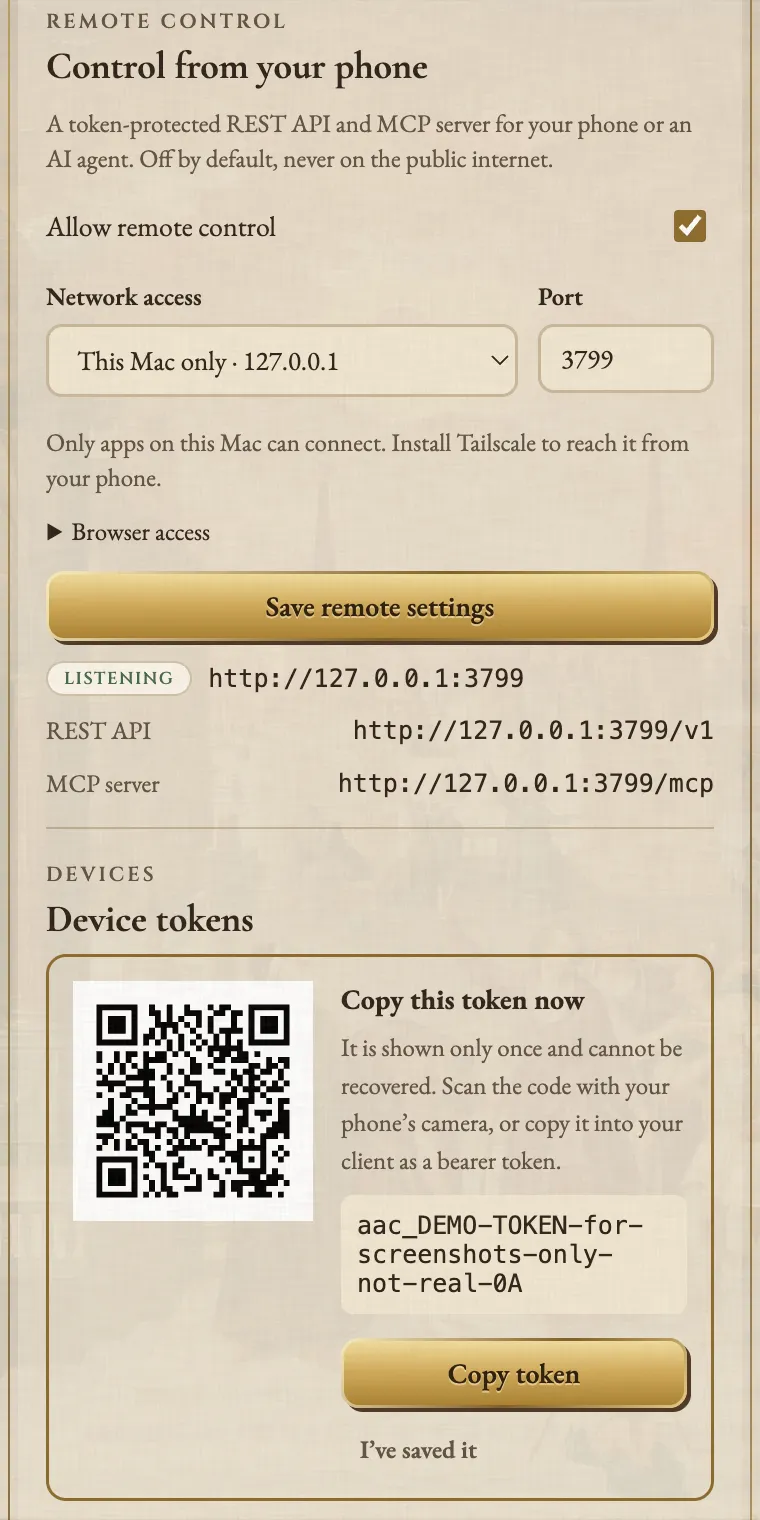
Agent Auto-Continue has an optional Remote control section in Settings for this, off by default.
Turn it on and the app serves a REST API and an MCP server on 127.0.0.1, plus your Tailscale address if you choose.
Never your local network, never the public internet.
Every phone or agent gets its own token.
Turn it on
- Open Settings > Remote control and tick Allow remote control.
- Under Network access, pick This Mac only or your Tailscale address, then Save remote settings. The listener status shows whether each address is listening.
- Under Device tokens, name the device, pick Full control or Read only, then Create token.
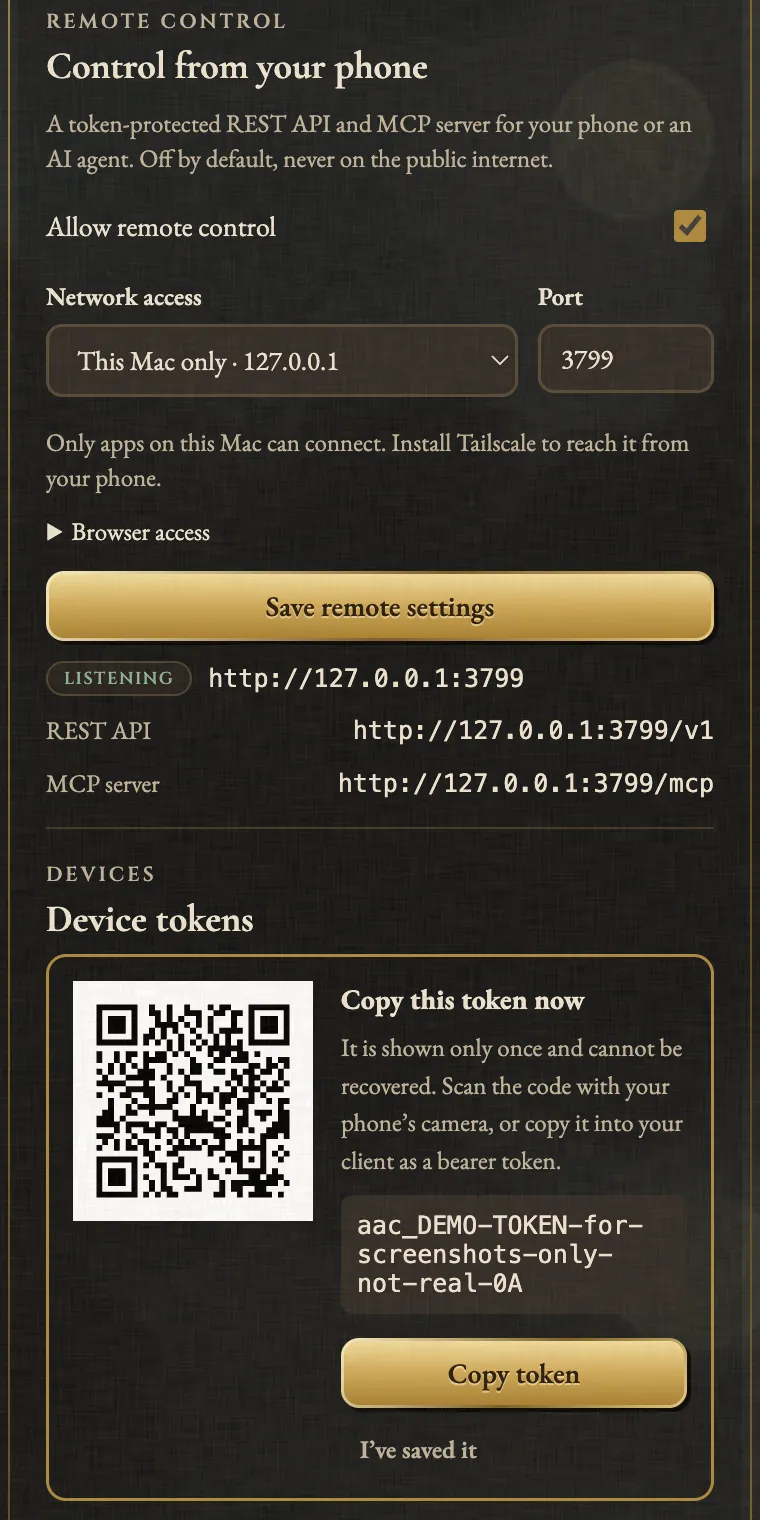
- Copy the token or scan its QR code now. It’s never shown again.
From your phone
It’s Tailscale or nothing. The token travels as plain HTTP, so the app only listens where something else protects it: the Mac’s own loopback, or Tailscale’s encrypted WireGuard tunnel. Local-network addresses are refused; one saved by an older version is dropped at launch.
- Install Tailscale on the Mac and your iPhone or Android phone, in the same tailnet.
- Under Network access, choose
Tailscale · 100.x.y.z (utunN)and save. - On the phone, use
http://100.x.y.z:3799(or the Mac’s MagicDNS name) with the token as a bearer token.
Any app that sends HTTP with a header will do. Find the thread, then queue a Continue for the reset:
BASE=http://100.x.y.z:3799/v1
AUTH="Authorization: Bearer $AAC_TOKEN"
curl -s "$BASE/threads?query=parser" -H "$AUTH"
curl -s -X POST "$BASE/jobs" -H "$AUTH" \
  -H 'Content-Type: application/json' \
  -H 'Idempotency-Key: phone-0300' \
  -d '{"threadId":"thread-id","trigger":"available"}'
available needs an agent that reports its limits (which ones); otherwise send delayMinutes.
Add a Tailscale access rule so only your devices reach port 3799, and never put it behind Funnel.
From another agent
The MCP endpoint is http://127.0.0.1:3799/mcp (Streamable HTTP), or the Tailscale address from another device.
In Claude Code, --scope user makes it load in every project:
claude mcp add --transport http auto-continue --scope user \
  http://127.0.0.1:3799/mcp \
  --header "Authorization: Bearer aac_..."
Codex takes the same URL in ~/.codex/config.toml, with bearer_token_env_var naming the variable that holds the token.
Clients that only launch stdio servers can use the mcp-remote bridge:
{
  "mcpServers": {
    "auto-continue": {
      "command": "npx",
      "args": [
        "mcp-remote",
        "http://127.0.0.1:3799/mcp",
        "--header",
        "Authorization:${AAC_AUTH}"
      ],
      "env": { "AAC_AUTH": "Bearer aac_..." }
    }
  }
}
The agent then calls schedule_message on its thread: Continue by default, optionally as an automatic continuation.
A read-only token only sees the read tools.
What a remote client can do
- Schedule a message for any agent, edit it or cancel it.
- Start, stop and resume automatic continuations.
- Read status, including keep-awake and each desktop app’s last compatibility check.
- Check an unconfirmed delivery, or mark it not delivered (with
confirm: true).
The full API is in remote-control.md.
Security, briefly
Tokens are 256-bit random values, stored only as SHA-256 digests. They’re created and revoked only on the Mac, so a leaked one can’t mint more. Ten failed sign-ins from one address in ten minutes lock it out for fifteen. Every remote change shows under Remote activity.
Honest limits
- The Mac must be awake and the app running. Otherwise requests fail to connect and nothing changes.
Retry with the same
Idempotency-Keyand you get the original schedule back, not a duplicate. - Tailscale must run on both ends. If it drops on the Mac, the app retries the address every 30 seconds.
- Lose the token, make a new one. Then revoke the old one.
- Vendor-hosted connectors can’t reach it. They run on the vendor’s servers, outside your tailnet.
- The agent’s state still applies. Refusals say why:
409for busy or waiting on a question,503for a locked screen (desktop apps) or an active usage limit. - Close the Claude Code session. A one-off message due while it’s open waits up to six hours, then fails.
Agent Auto-Continue is an independent project. It is not affiliated with, endorsed by, or supported by T3 Tools, Anthropic, OpenAI, or any other agent vendor. Product names are trademarks of their respective owners and are used only to describe compatibility.
Logo moon: Albrecht Altdorfer, The Battle of Alexander at Issus (detail of the crescent), 1529. Alte Pinakothek, Munich, inv. 688. Public domain scan, Google Art Project via Wikimedia Commons.