Guide
Claude Code auto-continue: what's built in, and what it doesn't do
Published
You hit the limit mid-task
Claude Code is halfway through a refactor and prints You've hit your session limit · resets 3:45pm.
You don’t need to wait up.
Since v2.1.234 (August 2026), Claude Code waits in the open session and picks the task back up by itself after the reset.
It’s on by default in interactive sessions signed in with a claude.ai subscription.
The switch is Continue automatically at usage limit in /config, or autoContinueAtUsageLimit in your user settings.
Leaving the terminal open and just want the task picked back up? That’s it. Don’t install anything.
What the built-in one does
- At the reset, it prompts Claude to pick up where it stopped. It doesn’t resend your last message.
- The session has to stay open. Exit and the wait is gone, even if you resume later.
- Permission prompts still appear, so the task can stall while you’re away.
- A weekly limit over 24 hours out won’t start a wait on its own; start one from
/rate-limit-options. - If the Mac slept over about 30 minutes through the reset, it waits for Enter.
- Claude Code Desktop has a separate Auto-continue when limits reset checkbox on the session-limit card (not the weekly one).
Limits refresher: a rolling five-hour window and a weekly one, and usage counts against both.
/usage shows when each resets.
Side by side
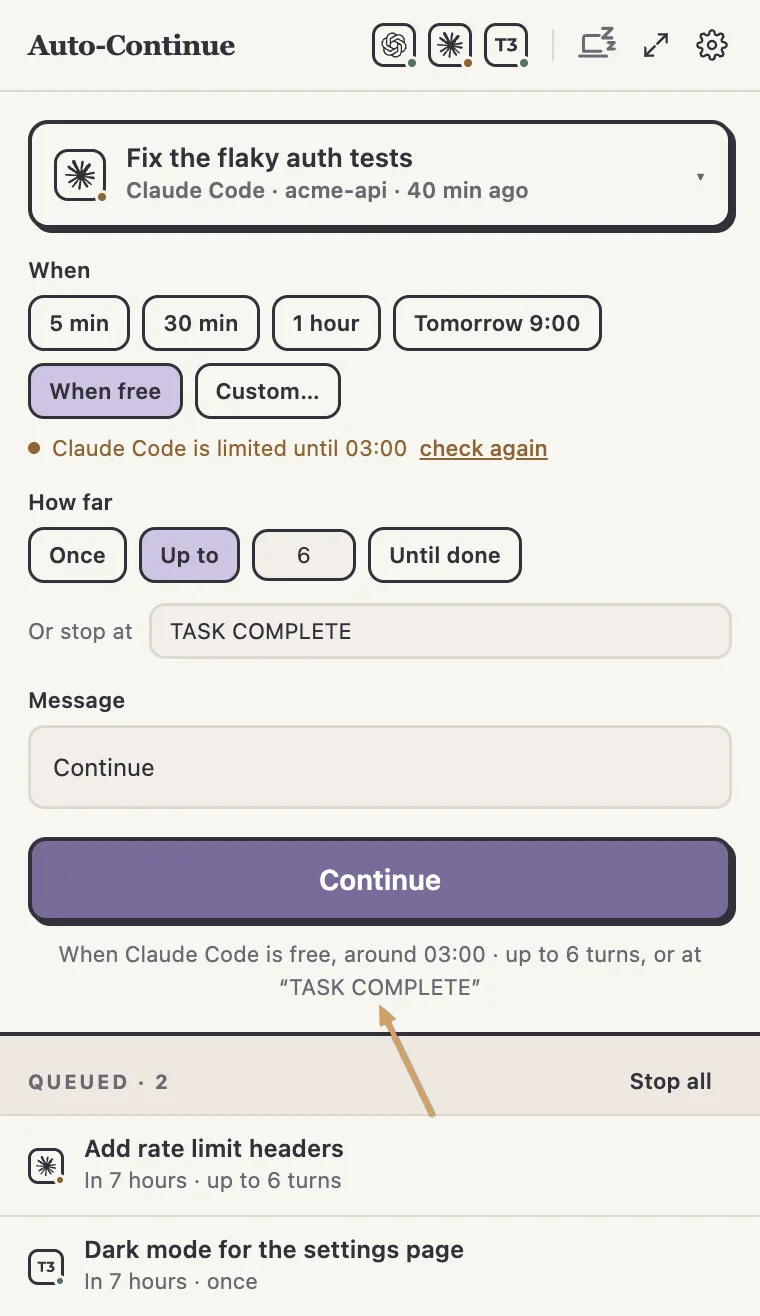
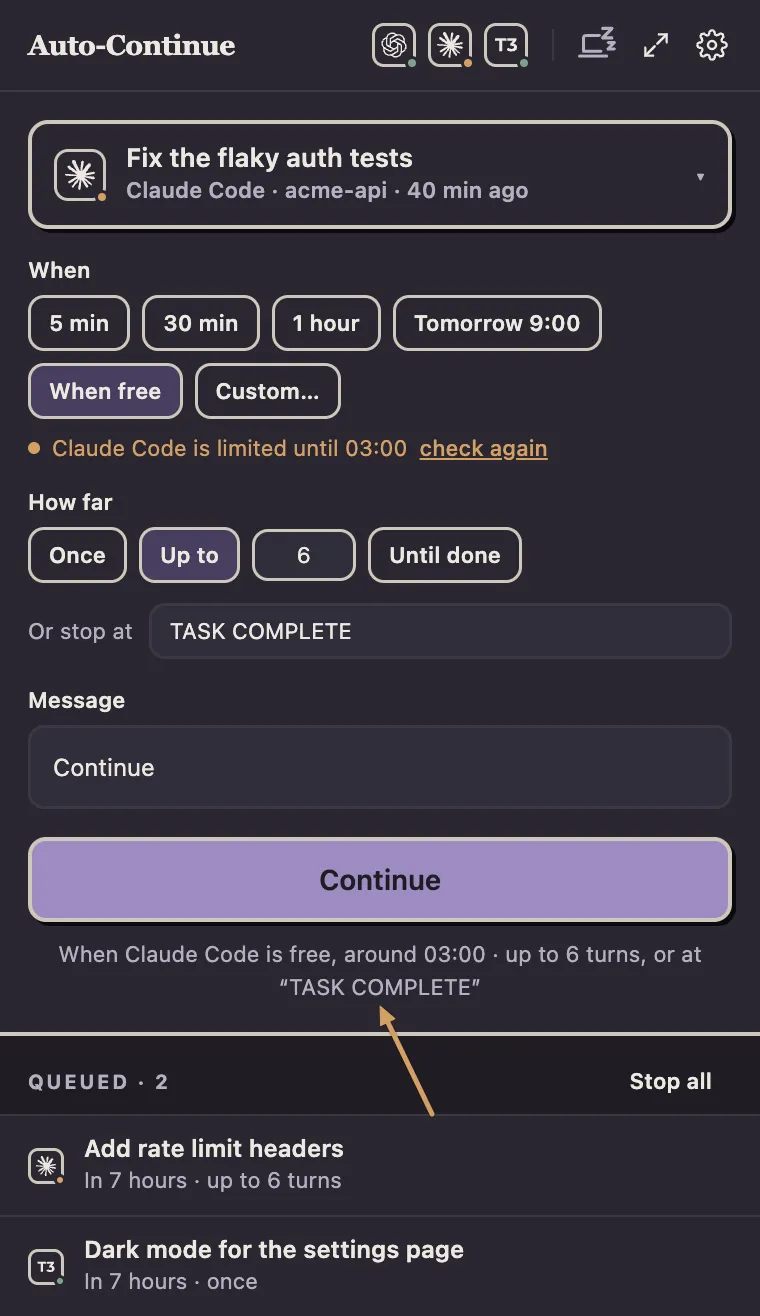
Agent Auto-Continue is a free macOS menu-bar app that sends a message into a Claude Code session when you choose (“run the tests and fix what fails”, at 03:00).
| Built-in | Agent Auto-Continue | |
|---|---|---|
| After a session limit | Picks the task up after the reset | Sends your message after the reset |
| Any message at a time you choose | No | Yes |
| Several turns | No | Up to a turn limit or until stopped, optional stop phrase |
| The session | Must stay open | Must be closed |
| Weekly limit | Waits itself only within 24 hours | Waits when it knows the reset time |
| Permission prompts | Asks, then waits for you | Denied by Claude Code; the turn carries on without it |
| Codex and the desktop apps | No (Desktop has its own checkbox) | Yes (Codex guide) |
| Keep the Mac awake | No | Optional, off by default |
Setting it up
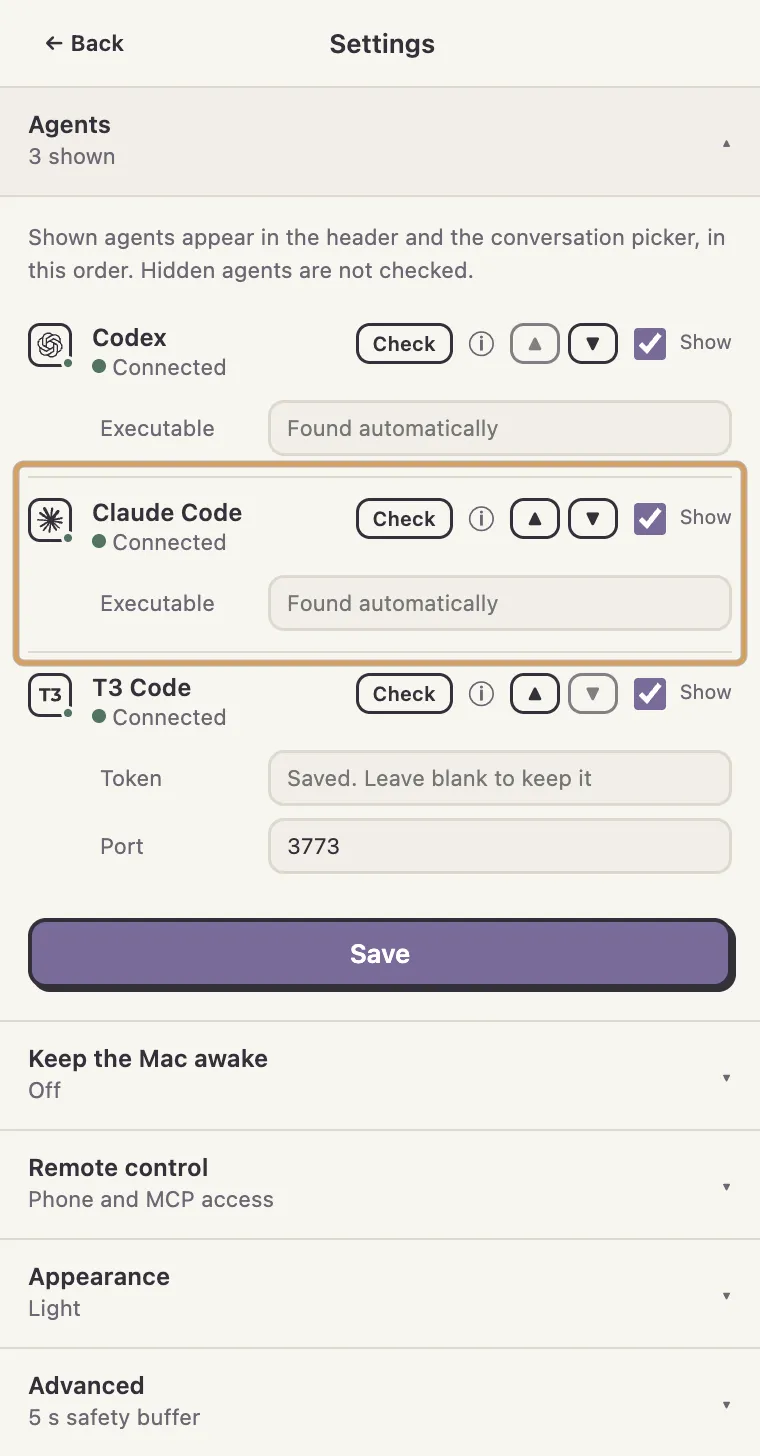
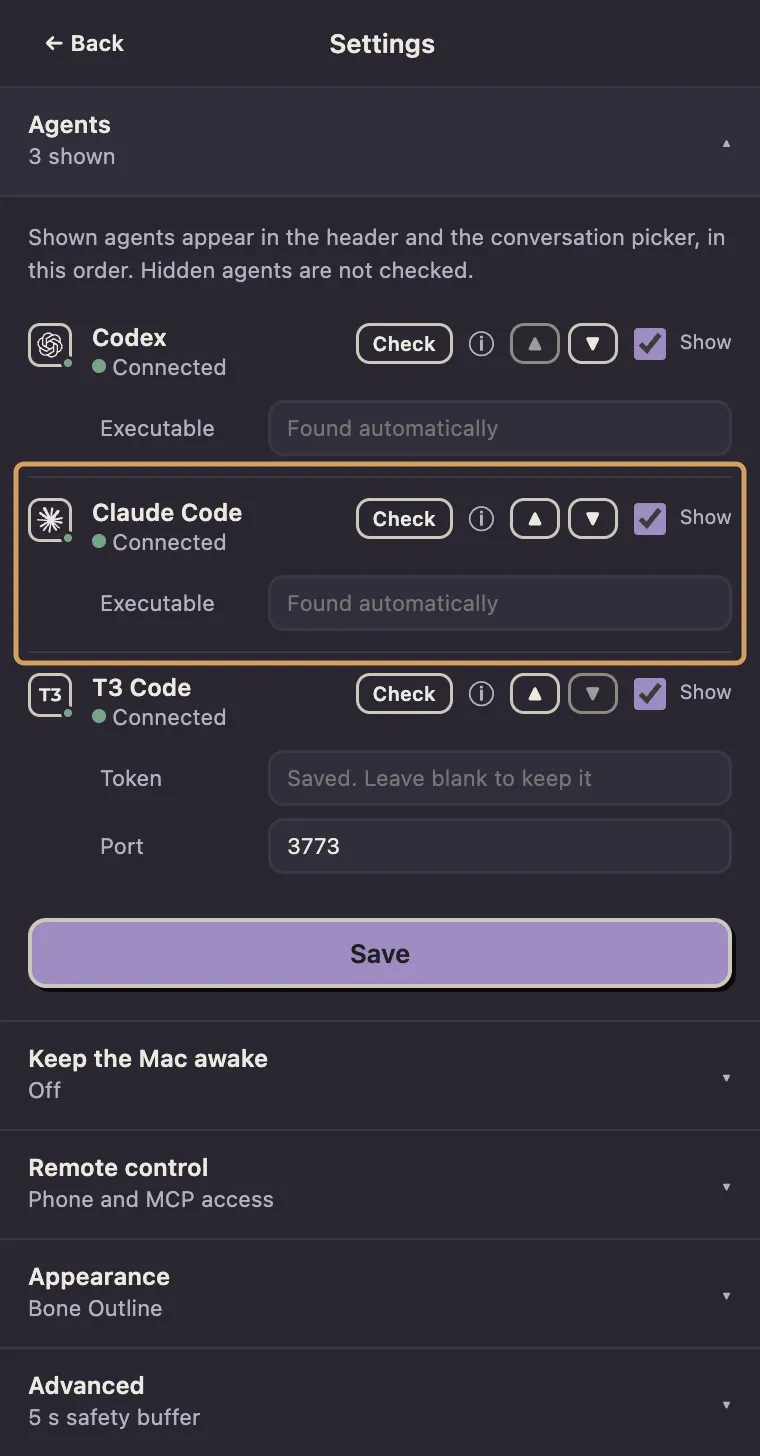
- Install the app and check Claude Code’s status under Settings > Agents.
- Switch the session to a permission mode you’re happy to leave unattended. The app reuses the session’s last mode.
- For several turns, ask Claude to end its last message with
TASK COMPLETEwhen it’s done. - Exit Claude Code.
- In the menu-bar popover, pick the session, when (When free, or a time) and how far (Once, Up to some turns, or Until done with the stop phrase).
- Press Continue. The line under it says exactly what will happen.
The honest bits
- The session must be closed.
One still open in a live
claudefails withconversation_busy(a second writer would fork it). A one-off message then retries with backoff for up to six hours. - Limits are inferred, not reported. They come from Claude Desktop’s usage samples if one is under 20 minutes old, else the newest limit message in recent transcripts, with its reset time if stated. A limit with no known reset doesn’t block a send.
- It can’t tell when the task is done. The turn limit and Stop are the real guards. Three usage-limited turns in a row pause the chain, as do three sub-minute ones.
- Quitting the app interrupts a running turn with SIGINT, which Claude Code treats as a clean stop.
- It checks before sending. It cancels if the session’s gone or you’ve replied, and never resends an unconfirmed send.
It runs Claude Code’s own headless mode (claude -p --resume), verified with 2.1.286.
No fake keystrokes, nothing changed in Claude Code.
Claude Desktop and the ChatGPT app are supported through macOS Accessibility instead; they’ll get their own page.
Agent Auto-Continue is an independent project. It is not affiliated with, endorsed by, or supported by T3 Tools, Anthropic, OpenAI, or any other agent vendor. Product names are trademarks of their respective owners and are used only to describe compatibility.